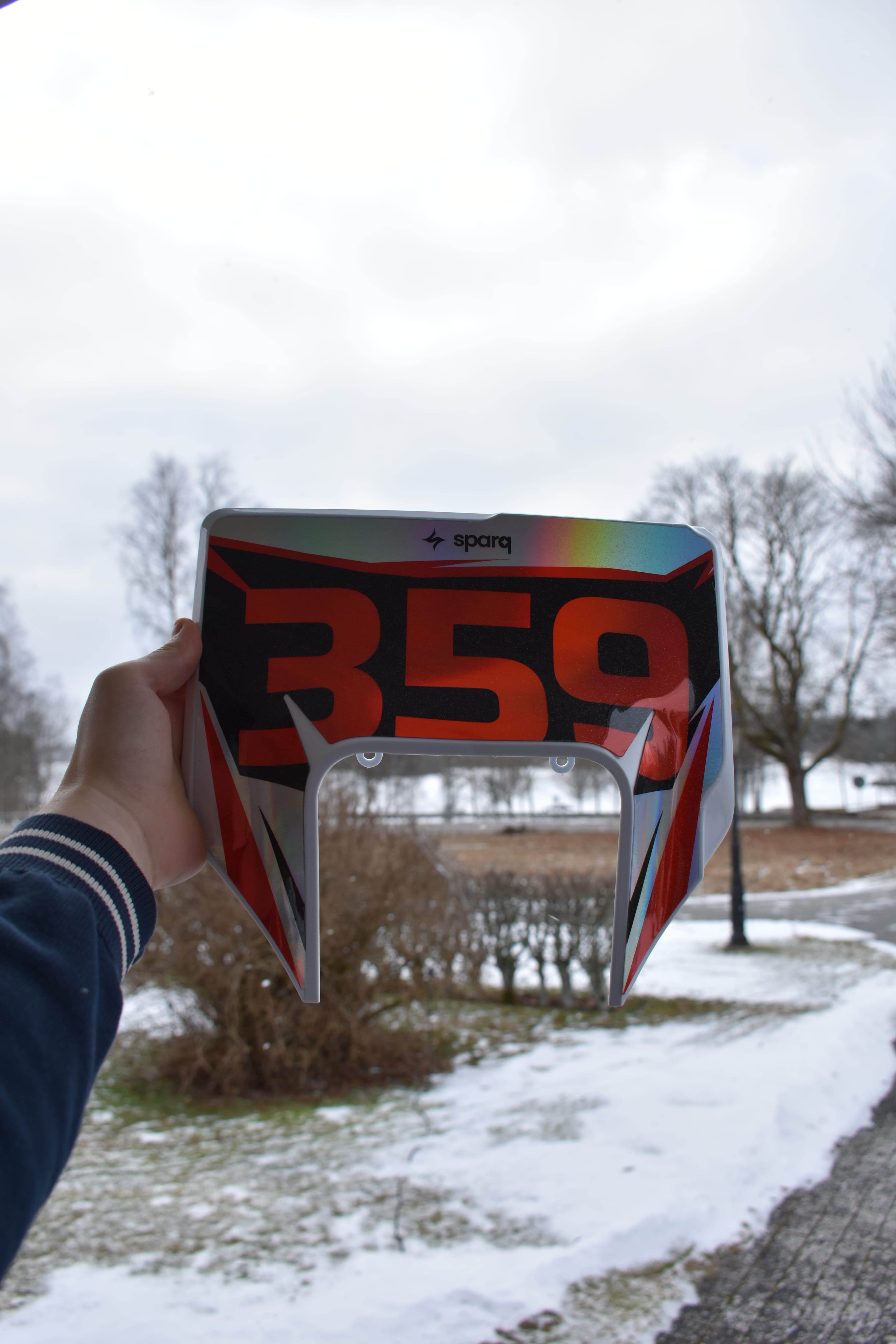
How to Apply Your Custom Graphics Kit Like a Pro
Applying motocross graphics can feel intimidating, but it doesn't have to be. Because we print on premium Substance 1500 material with built-in air-release technology, the vinyl actually works with you to push bubbles out.
If you have the right tools, a little patience, and follow these steps, your bike will look like it just rolled out of a factory race rig.
The Tools You Need
Before you touch your new kit, gather your supplies. Do not skip these!
- Heat Gun or Hairdryer: Essential for making the thick vinyl pliable around curves.
- Contact Cleaner or Rubbing Alcohol (Isopropyl): For stripping away grease and old adhesive.
- Clean Microfiber Cloths or Paper Towels: Lint-free is best.
- Masking Tape: For holding the graphics in place before peeling the backing.
- A Squeegee or Soft Cloth: To press the graphics down evenly.
- A Sharp Precision Knife (Exacto/Scalpel): For trimming any slight overlaps (use with extreme caution!).
Step 1: Prep is 90% of the Work
If your plastics aren't perfectly clean, the adhesive will fail. Dirt bike plastics naturally repel adhesives, and any leftover oil or dirt will guarantee peeling edges.
- Remove the Old Graphics: Lightly heat the old stickers with your heat gun to soften the glue, then slowly peel them off.
- Scrub the Plastics: Use contact cleaner or rubbing alcohol to remove every single trace of old glue, dirt, and oil.
- The Finger Test: Run your bare finger across the plastic. If it squeaks, it’s clean. If it feels smooth or greasy, clean it again.
Warning: No Oily Cleaners!
Never use WD-40, brake cleaner, or silicone-based polishing sprays to clean your plastics before application. They leave an invisible oily residue that will ruin your new kit's adhesive.
Step 2: The "Hinge Method" Application
Important: Our Substance 1500 material is designed for a DRY application. Do not use soap and water! The air-release channels in the vinyl will handle the bubbles.
- Test Fit: Before peeling anything, hold the graphic up to the plastic to see exactly how it aligns with the bolt holes and edges.
- Create a Hinge: Use masking tape to tape the graphic exactly where you want it on the plastic.
- Peel and Cut: Peel back one half of the paper backing and cut it away with scissors.
- Press from the Center Out: Starting from the center (where the tape is), use your thumb or squeegee to firmly press the graphic down, working your way outward to the edges. This pushes the air out through the invisible channels in the vinyl.
- Repeat: Remove the masking tape, peel the remaining backing off the other half, and repeat the process.
Step 3: Heat and Stretch (Use Sparingly)
Dirt bike plastics have aggressive curves, especially on the shrouds and side panels.
When you hit a curve, wave your heat gun over the vinyl for just a few seconds. The Substance 1500 material will instantly become soft and stretchy. Gently pull the vinyl over the curve and press it down firmly.
Pro Tip: Do not overheat! If the vinyl gets too hot, it will warp, the colors can stretch out of proportion, and you could ruin the protective laminate. If it's too hot to touch, let it cool down.
Step 4: Post-Heating and Curing Time
Once your entire kit is applied and looks perfect, you are not quite done.
- Post-Heat the Edges: Go over the entire bike one last time with the heat gun, focusing specifically on the edges. Press down firmly on every edge with a cloth. This "sets" the adhesive's memory so it won't try to peel back up.
- Let It Cure: This is the hardest part. Do not go ride immediately. The high-tack adhesive needs 24 to 48 hours at room temperature to fully bond with the low-surface-energy plastics. If you apply the kit in a cold garage, bring the plastics inside your house to cure.
Show Off Your Build
You put in the work, now show it off. Snap a photo of your fresh kit and tag us on Instagram or TikTok!